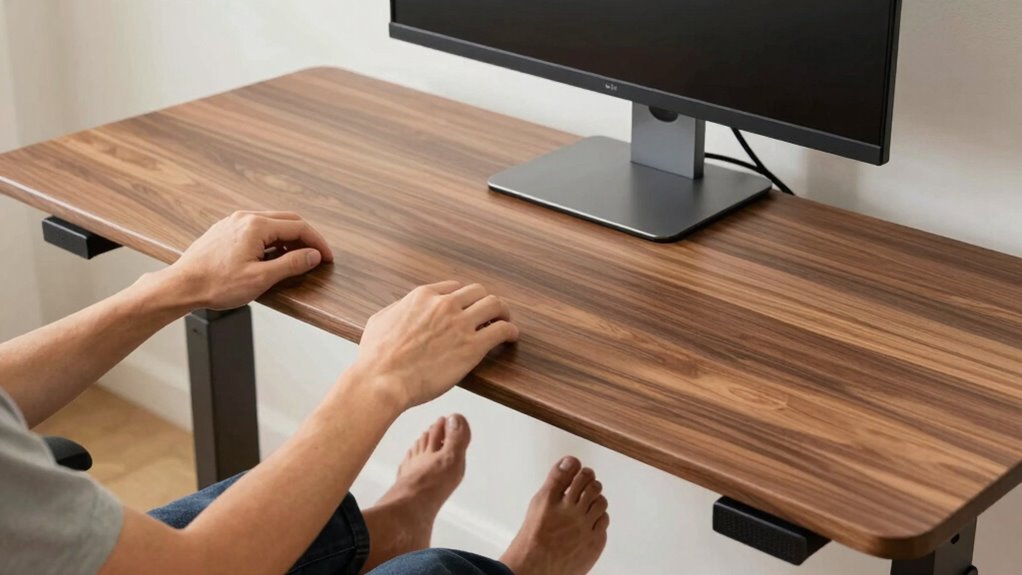

To optimize your standing desk ergonomics, start by adjusting the height so your elbows are at a 90-100 degree angle with forearms parallel to the ground. Position your monitor at eye level, about an arm’s length away, to reduce neck and eye strain. Use a supportive footrest or keep your feet flat on the floor to maintain good posture. Keep these tips in mind, and you’ll discover how to stay comfortable all day long.
Key Takeaways
- Adjust desk height so elbows are at a 90-100 degree angle with forearms parallel to the ground.
- Position the monitor at eye level, about an arm’s length away, to reduce eye strain and neck tension.
- Use an adjustable footrest or keep feet flat on the floor to promote proper posture and reduce leg fatigue.
- Incorporate ergonomic accessories like monitor risers and keyboard trays for optimal alignment and comfort.
- Regularly review and modify your setup, including movement and breaks, to maintain long-term ergonomic health.

DUMOS 63 Inch Electric Standing Desk Height Adjustable, Sit to Stand Computer Workstations Large Work PC Table Home Office Writing Gaming Desks with Memory Presets for Walking Pad, Bedroom, Rustic
Spacious 63-Inch Electric Standing Desk: Maximize your workspace with an expansive 63-inch electric standing desk. This wide, sturdy…
As an affiliate, we earn on qualifying purchases.
As an affiliate, we earn on qualifying purchases.
How to Adjust Your Standing Desk Height for Comfort
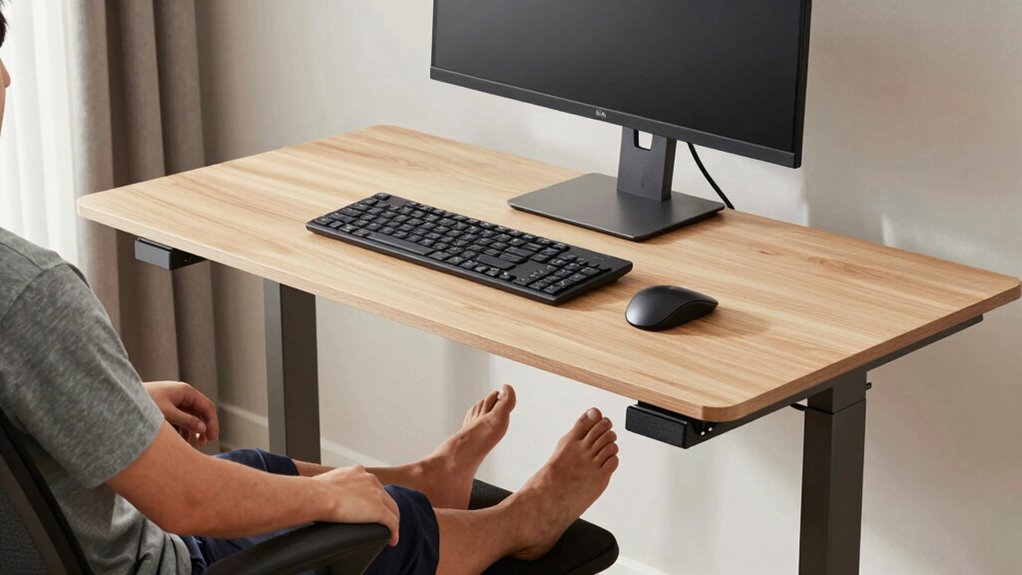
To guarantee maximum comfort and reduce strain, properly adjusting your standing desk height is essential. Start by setting the desk so your elbows are at a 90-degree angle, with your forearms parallel to the floor. This ensures your keyboard placement is comfortable, preventing wrist strain. Consider the desk surface materials; a smooth, stable surface helps you find the right height easily and keeps your keyboard steady. If your desk is adjustable, test different heights until your wrists remain straight and relaxed during typing. Avoid raising or lowering the desk too much, which can cause awkward postures. Remember, a well-adjusted desk promotes good ergonomics and reduces fatigue, making your standing work sessions more comfortable and productive. Proper desk setup is crucial for maintaining optimal ergonomics during prolonged standing periods. Additionally, incorporating foot support like anti-fatigue mats can help distribute your weight evenly and reduce lower back discomfort. Ensuring your workspace includes ergonomic accessories can further enhance comfort and support proper posture throughout your workday. Incorporating adjustable monitor position can also help reduce neck strain and improve overall ergonomic alignment. Using ergonomic principles can guide you in making effective adjustments for a healthier workspace.

BONTEC Dual Monitor Stand Riser with Smartphone Holder, Adjustable Length & Swivel Angle, Ergonomic Wooden Desktop Organizer for PC Monitor, Laptop, Printer, Large Storage, White
DUAL MONITOR STAND WITH ADJUSTABLE LENGTH & ANGLE – Elevate two monitors to an ergonomic height for better…
As an affiliate, we earn on qualifying purchases.
As an affiliate, we earn on qualifying purchases.
Position Your Monitor for Less Neck and Eye Strain
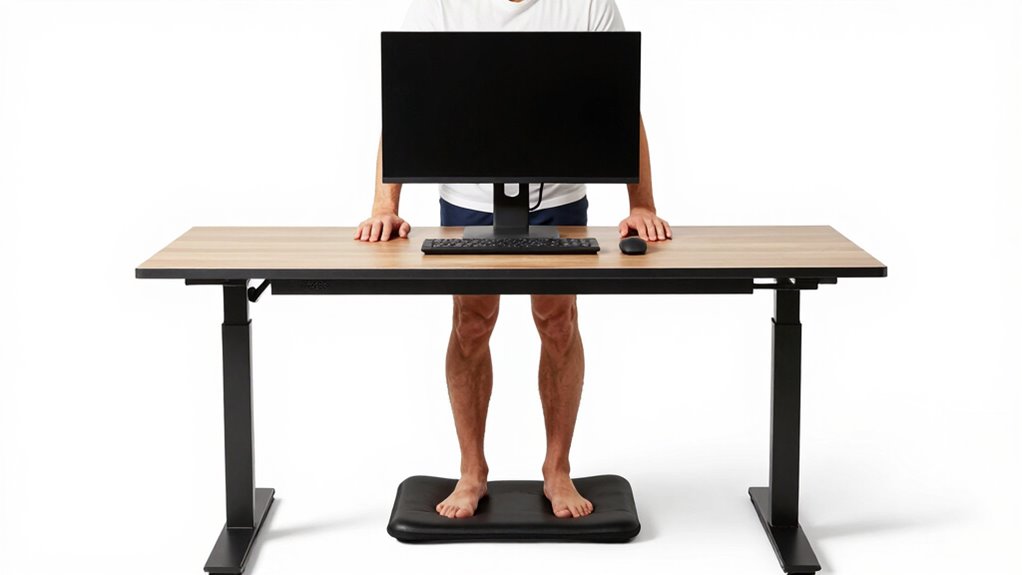
Positioning your monitor correctly is key to reducing neck and eye strain during long standing work sessions. Your monitor placement should keep the screen at eye level so you don’t have to tilt your head up or down. Adjust the height of your monitor so the top of the screen is roughly even with your eyes when you’re standing comfortably. This helps maintain a neutral neck position and minimizes tension. Keep the monitor about an arm’s length away to reduce eye strain and improve focus. If needed, use monitor risers or adjustable arms to achieve the proper eye level. Proper monitor placement guarantees you maintain good posture, reduces fatigue, and makes your standing desk setup more ergonomic and comfortable throughout your workday. Additionally, ensuring your monitor is properly secure and compliant with ergonomic standards can further enhance safety and comfort. To further enhance ergonomics, consider monitor stability to prevent accidental shifts that could affect your posture. Regularly checking your monitor’s alignment can also help sustain an ergonomic setup over time. Incorporating adjustable monitor mounts can also facilitate quick and easy height adjustments, promoting a consistently ergonomic workspace. Moreover, selecting monitors with adjustable features can help tailor your setup to your specific ergonomic needs.

VIVO Ergonomic Height Adjustable Foot Rest Relief Platform, Elevated Stool for Comfortable Sit to Stand Workstation, Non-Slip Surface, Portable, Home Office Classroom Use, Black, STAND-FT01
Health Benefits: Reduces stress and exhaustion that may result from prolonged periods of standing or sitting during work….
As an affiliate, we earn on qualifying purchases.
As an affiliate, we earn on qualifying purchases.
Pick Foot Supports That Keep You Stable and Posture Perfect
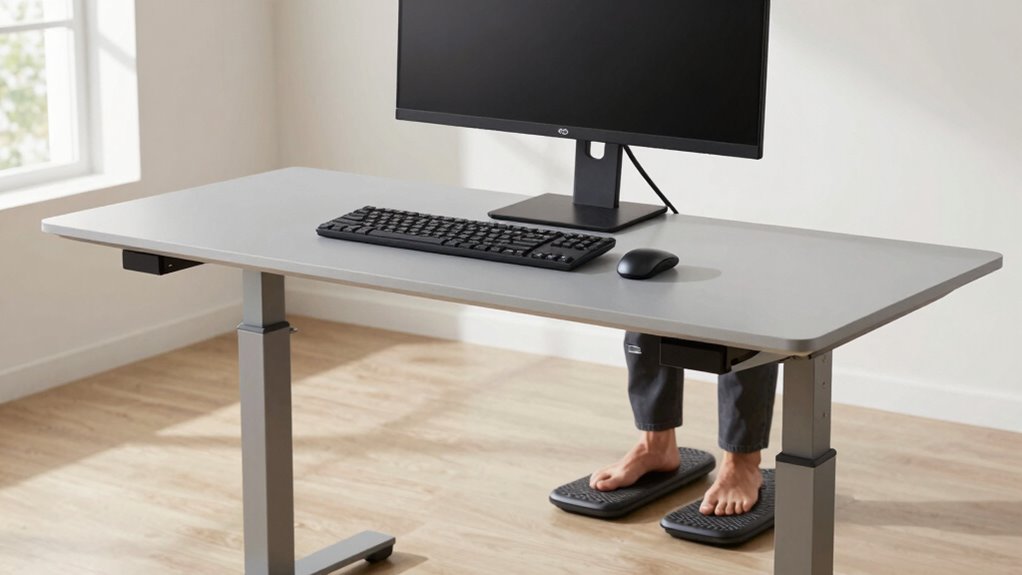
Choosing the right foot supports is essential for maintaining stability and proper posture at your standing desk. Good foot support prevents fatigue and encourages active, balanced standing. Look for supports that keep your feet firmly planted and evenly distribute your weight. This wearable technology can also help monitor your posture and promote healthier standing habits. Incorporating ergonomic principles into your setup helps reduce strain on your lower back and legs while promoting a natural alignment. Proper posture awareness is crucial for long-term comfort and health during prolonged standing periods. Selecting supports that adapt to your foot shape can improve comfort and effectiveness. Additionally, adjustable supports allow you to customize your stance, further enhancing standing comfort and reducing fatigue.

FEATOL Anti Fatigue Mat for Standing, 9/10 Extra Thick Ergonomic Standing Desk Mat, Comfort & Durable Memory Foam Standing Mat at Home,Office All Day (20" x 32", Black, 1PC)
[Anti Fatigue Standing Desk Mat] – This anti fatigue mat standing desk office is effective in reducing stress…
As an affiliate, we earn on qualifying purchases.
As an affiliate, we earn on qualifying purchases.
Common Standing Desk Mistakes (And How to Fix Them)
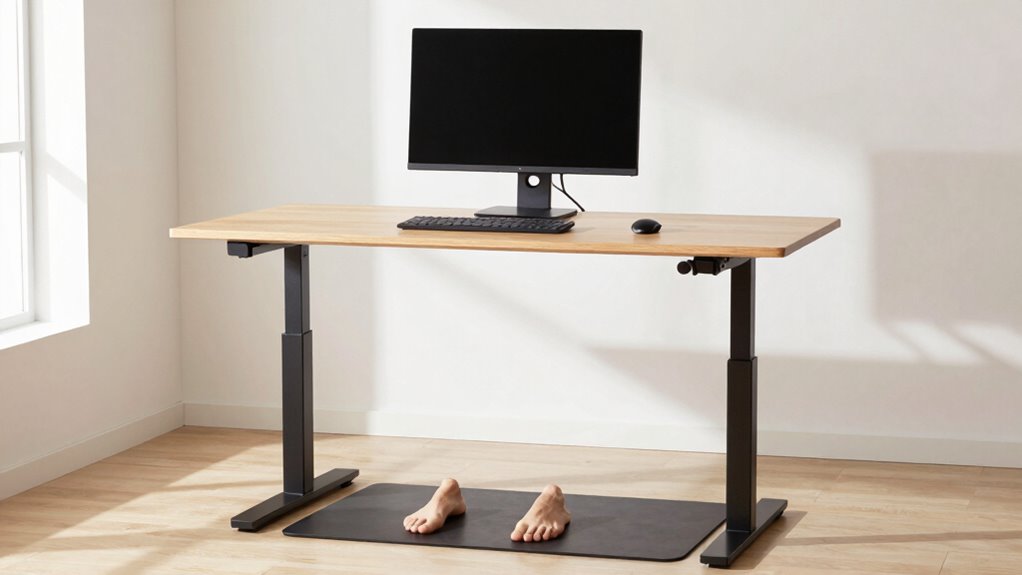
Many people make common mistakes at their standing desks that can lead to discomfort and long-term health issues. One mistake is neglecting proper desk accessories, like adjustable monitor arms and footrests, which help maintain good posture. Another frequent error is wearing the wrong ergonomic footwear; unsupportive shoes can cause fatigue and misalignment. You might also stand with your weight unevenly distributed or lock your knees, leading to strain. Additionally, ignoring the importance of a comfortable mat or proper height adjustments can increase discomfort over time. Incorporating smart furniture such as adjustable height desks or ergonomic accessories can significantly enhance your standing desk setup. To fix these issues, invest in desk accessories that promote proper alignment, choose supportive footwear, and regularly check your desk height. Small adjustments can markedly improve your standing desk experience and prevent unnecessary pain. Remember that body posture plays a crucial role in avoiding strain; paying attention to your body’s signals can help you make necessary adjustments early. Using ergonomic accessories like footrests and monitor risers can further support proper posture and reduce fatigue. Incorporating smart home safety features like motion-sensor alerts for your workspace can also remind you to change positions and stand properly. Staying mindful of your ergonomic setup can help prevent issues before they develop.
Keep Your Standing Desk Comfortable Over Time
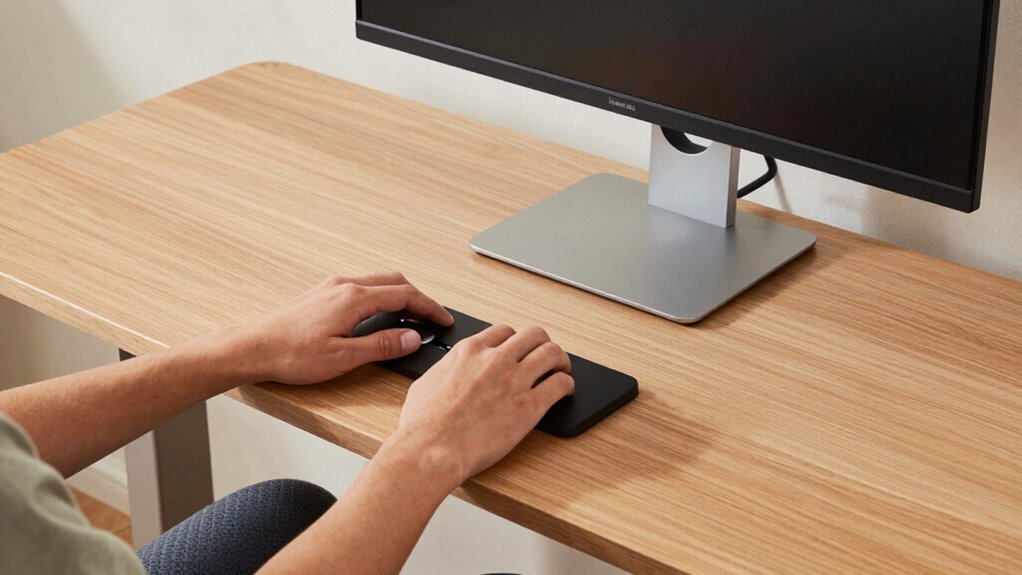
Once you’ve addressed common standing desk mistakes, maintaining comfort over time becomes the next priority. To stay comfortable, incorporate helpful desk accessories like anti-fatigue mats and adjustable footrests. Investing in ergonomic footwear can reduce fatigue and support proper posture, making prolonged standing easier. Regularly shift your weight or change positions to prevent stiffness and soreness. Use monitor arms or adjustable stands to keep your screen at eye level, reducing neck strain. Consider taking short breaks to stretch and reset your muscles. Additionally, incorporate a sit-stand desk converter if possible, allowing you to alternate between sitting and standing throughout the day. Using anti-fatigue mats can significantly decrease foot and leg discomfort during long periods of standing. Ensuring proper ergonomic setup is crucial for sustained comfort and productivity. Incorporating supportive accessories like footrests and mats can further enhance your standing desk experience, promoting better posture and reducing fatigue. Proper ergonomic principles are essential for preventing discomfort and maintaining health during extended standing periods. Staying mindful of your posture and adjusting your workspace as needed can also make a substantial difference in long-term comfort and health. These strategies, combined with supportive accessories, help sustain comfort and improve your overall standing desk experience.
Frequently Asked Questions
How Often Should I Change Positions While Standing at My Desk?
You should change positions every 30 to 60 minutes while standing at your desk. Incorporate movement breaks and posture adjustments to prevent fatigue and discomfort. Shifting your weight, stretching, or stepping away for a moment helps improve circulation and reduces strain. Remember, regularly changing your stance and taking short breaks keeps you comfortable and focused throughout your workday.
What Are the Best Types of Ergonomic Accessories for Standing Desks?
Coincidentally, the best ergonomic accessories for your standing desk include adjustable footrests and anti-fatigue mats. Adjustable footrests help you shift your weight comfortably, reducing strain on your legs and lower back. Anti-fatigue mats provide cushioning and support, making prolonged standing less tiring. These accessories enhance your workspace, promote better posture, and keep you comfortable throughout your workday, ensuring you stay productive and pain-free.
How Can I Reduce Fatigue During Long Standing Periods?
To reduce fatigue during long standing periods, focus on maintaining foot comfort and making posture adjustments. Wear supportive shoes or use a cushioned mat to lessen foot strain. Shift your weight regularly and avoid locking your knees to prevent stiffness. Keep your feet flat and aligned with your hips, and take short breaks to stretch. These simple changes help you stay comfortable and energized throughout your workday.
Are There Specific Footwear Recommendations for Standing Desk Users?
Your feet deserve the best, so don’t settle for anything less than supportive shoes that keep you comfortable all day long. Look for footwear recommendations like cushioned insoles, good arch support, and shock absorption to prevent fatigue. Avoid unsupportive shoes; instead, choose those designed for standing, which help reduce strain and keep you energized like a powerhouse. Your feet will thank you for making this smart choice!
How Do I Know if My Standing Desk Setup Is Ergonomically Correct?
You can tell if your standing desk setup is ergonomically correct by checking that your desk height allows your elbows to stay at a 90-degree angle and your monitor is aligned with your eye level. Your monitor should be directly in front of you, not tilted or shifted. Confirm your feet are flat on the ground, and avoid hunching or straining your neck. Adjust your setup until these conditions feel comfortable.
Conclusion
Did you know that poor ergonomics can lead to discomfort and decreased productivity? By adjusting your standing desk height, monitor position, and foot support, you can markedly reduce strain and stay comfortable longer. Remember, over 80% of standing desk users experience some form of musculoskeletal discomfort without proper setup. Take the time to optimize your workspace, and you’ll enjoy better posture, less fatigue, and improved overall well-being every day.